Credential Exchange lets Android password managers move passkeys without a CSV file
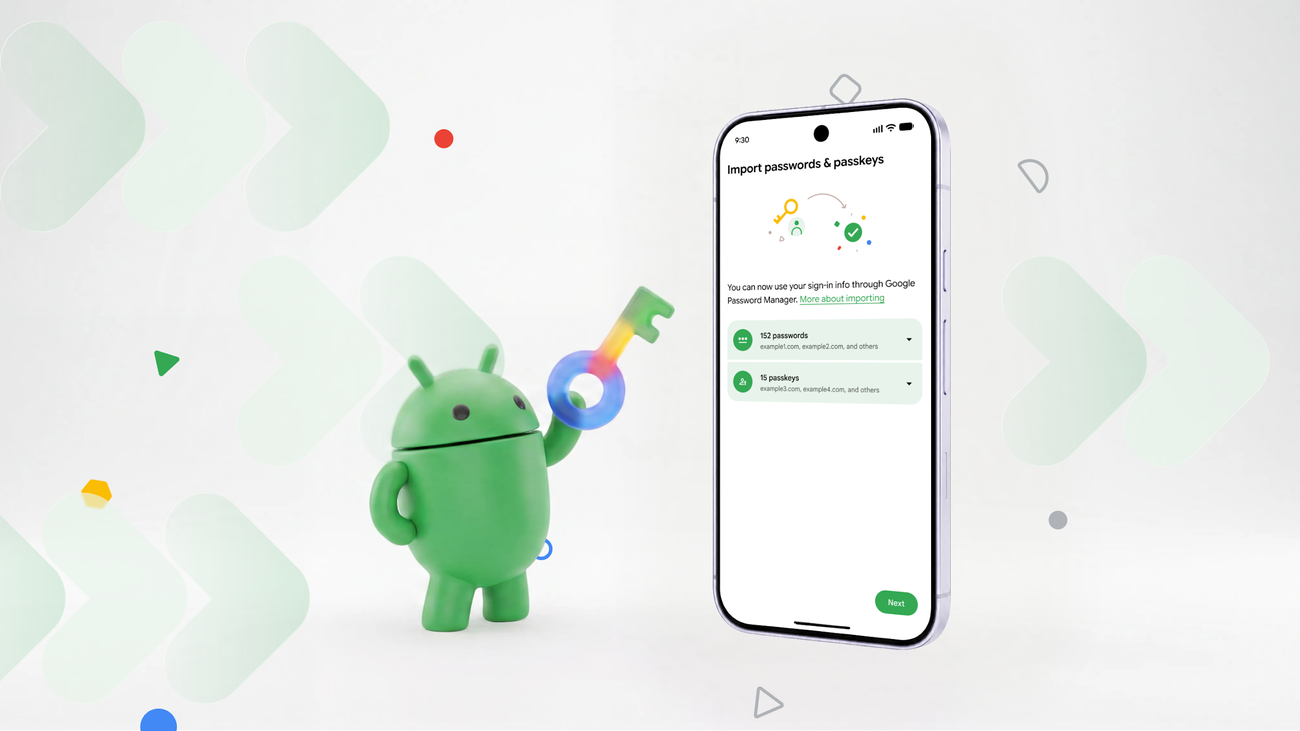
Google began supporting Credential Exchange in Google Password Manager in June 2026, so Android apps can move passkeys without a CSV file. Businesses should confirm that notes and attachments arrived before retiring a manager, TechRepublic advises.
The Product Desk
Five conditions: both apps must support the transfer method; 1Password's import works on Android 14 or later with Credential Exchange apps; the source app must be installed first; a password import does not automatically guarantee passkeys, notes or attachments; CSV is unreliable for passkeys.
- constraint Source and destination apps Both password managers must support the relevant transfer method, claim 1
- capability 1Password on Android Direct import works on Android 14 or later with Credential Exchange apps, including Dashlane, claim 9
- constraint Source password manager Must already be installed on the device before 1Password can import from it, claim 11
- exposure Passkeys, notes, attachments Importing passwords does not automatically guarantee these will follow, claim 2
- constraint CSV imports Carry conventional logins and certain other items, but not a reliable way to migrate passkeys, claim 13
| Who | How | Kind | Claim |
|---|---|---|---|
| Source and destination apps | Both password managers must support the relevant transfer method | constraint | 1 |
| 1Password on Android | Direct import works on Android 14 or later with Credential Exchange apps, including Dashlane | capability | 9 |
| Source password manager | Must already be installed on the device before 1Password can import from it | constraint | 11 |
| Passkeys, notes, attachments | Importing passwords does not automatically guarantee these will follow | exposure | 2 |
| CSV imports | Carry conventional logins and certain other items, but not a reliable way to migrate passkeys | constraint | 13 |
What happened
- 1Password's import documentation says its direct import runs on Android 14 or later and works with apps that support Credential Exchange, including Dashlane.
- The source password manager must already be installed on the same phone before 1Password can import from it.
- CSV imports can carry conventional logins and some other items, but TechRepublic says they should not be treated as a reliable way to move passkeys.
- Google's release notes do not provide a universal step-by-step process for every third-party manager, TechRepublic reported, so the exact procedure depends on the apps installed.
Why it matters
- decision Retiring the old manager becomes a pass or fail check per item type in the vault, because a successful password import says nothing about notes or attachments.
- constraint A rollout cannot assume that every updated Android phone offers the same transfer option, so the pilot has to run on the app pairs and devices the team actually uses.
- exposure Any team that falls back to a file export creates an unencrypted file on a device, and someone has to own finding and deleting it once the migration is verified.
An admin moving a team from Dashlane to 1Password on Android starts with both apps installed and signed in on one phone [10]. The path in 1Password is New Item, then Migrate data into 1Password (TechRepublic says to scroll if the option is not in view), then the source app, then Start import [10].
Credential Exchange moves the data directly between the two apps, so no intermediary CSV file is created for supported transfers [12]. The pitch holds for the transfer itself. TechRepublic's caution is about the contents: compatibility with the standard does not establish that every stored item will transfer [3], and an imported password does not automatically bring passkeys, notes or attachments with it [2].
Google's release notes confirm passwords and passkeys [15]. TechRepublic's report does not say whether any pair of apps carries notes or attachments across Credential Exchange. It does say businesses need extra checks before retiring an existing manager [8].
Google's own steps end the same way: confirm the passwords and passkeys appear in the destination, then test sign-in to important accounts before removing anything from the original app [16]. We'd extend that to every item type the vault holds, notes and attachments included, and keep the old manager in service until each one has been seen in the new app. The cost is a longer stretch with two managers to administer.
Two yes-or-no checks sort the decision. The first is whether both the old and the new app support the transfer method, since TechRepublic says both ends must [1]. The second is whether every item type you hold has been seen arriving in the new app.
- Supported on both ends, every item type seen: retire the old manager. - Supported on both ends, something missing: keep the old manager running and find out what did not arrive. - Not supported, but a file export moved everything and each item type checks out: retire it. - Not supported, and anything is unaccounted for, passkeys first: stay where you are.
What to watch
- Whether the managers a business actually uses document notes and attachments as supported items in their Credential Exchange transfers.
- Whether Google publishes a step-by-step process for third-party managers, which its release notes did not provide, according to TechRepublic.
- Whether more password managers add a direct import for Android 14 and later alongside the Dashlane route 1Password documents.
Clarity's read
What the record supports and how the coverage leans. The claims behind it follow.
Reality
- Evidence55
- Adoption
- Insufficient
- Hype gap−10
- Incentives
- Insufficient
- Confidence60
Claim ledger
Ranked by verification strength, evidence, and original report placement.
- [1]
Both the source and the destination password manager must support the relevant transfer method.
- [2]
Not every transfer method supports the same data types, and importing passwords does not automatically guarantee that passkeys, notes, or attachments will follow.
- [3]
Compatibility with the Credential Exchange standard does not establish that every stored item will transfer.
- [4]
Google's release notes do not provide a universal step-by-step process that works with every third-party password manager.
- [5]
Google added Credential Exchange support to Google Password Manager in June 2026.
- [6]
The Credential Exchange capability was announced in Google Play services v26.21, released June 1, 2026.
- [7]
The update introduced a standardized way for supported password managers to exchange credentials without requiring users to export them as unprotected CSV files.
- [8]
For businesses, moving passwords and passkeys requires additional checks before retiring an existing password manager.
- [9]
According to 1Password's import documentation, the direct import feature works on Android 14 or later with apps that support the Credential Exchange standard, including Dashlane.
- [10]
To import into 1Password on Android, a user installs and signs in to both 1Password and the source manager, opens 1Password, selects New Item, chooses Migrate data into 1Password (scrolling down if needed), selects a compatible manager such as Dashlane, and taps Start import.
- [11]
The source password manager must already be installed on the device before 1Password can import from it.
- [12]
Credential Exchange lets compatible apps move credential data directly, avoiding the need to create an intermediary CSV file for supported transfers.
- [13]
CSV imports can transfer conventional login information and certain other supported items, but should not be treated as a reliable way to migrate passkeys.
- [14]
Users should avoid storing exported credential files in shared folders, email attachments, or cloud locations accessible to other people, and should delete temporary export files securely after verifying the migration.
- [15]
Google's release notes confirm support for both password and passkey transfers.
- [16]
For Google Password Manager transfers, users should confirm that transferred passwords and passkeys appear in the destination manager and test sign-in to important accounts before removing credentials from the original app.
- [17]
If the Credential Exchange option does not appear, users should check the password manager's documentation rather than assuming every updated Android device supports the same transfer workflow.
- [18]
The 1PUX format preserves more of 1Password's original data structure than CSV, but it is primarily intended for moving information exported from 1Password and is not encrypted.
Get this ledger inside ChatGPT. Ask about any of our stories and the answer brings its figure, each claim’s verdict and the sources. Free, no account.
Sources
1 independent publisher whose own reporting we read for this story.
- techrepublic.comHow to Transfer Passwords and Passkeys Between Android Password Managers
1 article · October 13, 2026
Topics and entities
Follow any of these and your For You feed starts watching them — no settings page required.
Entities
- 1PasswordFollow
- Google Play ServicesFollow
- TechRepublicFollow
- DashlaneFollow
- Google Password ManagerFollow
- Credential ExchangeFollow