Product1 publisher3 min readPublished
Engadget finds Ember's $150 Mug 3 held back by its app and charging coaster
Engadget's hands-on calls Ember's third-generation Mug 3 a tough sell at $150. Its heater keeps a long drink hot from a full battery, so the purchase depends on how the owner charges it and how much they need the app.
The Product Desk · Product desk
Drafted by a language model from the sources cited here and checked against its claim ledger before publication. How we use AISend a correction
What happened
- On Android, temperature changes sent from the Ember app sometimes did not stick, and the mug needed Bluetooth re-pairing about half the time.
- Without the app, control falls back to a few temperature presets selected by a single button on the bottom of the mug.
- Ember advertises three extra hours of battery with the included lid, an ordinary lid that gains the time by trapping heat.
Compiled by The Product DeskSomething wrong?How this is made
Why it matters
- decision The mug suits people who start each drink from a full charge; buyers who expect the coaster to rescue a low battery at high heat should plan on running out.
- constraint For Android owners, an app that drops its pairing about half the time leaves the bottom-button presets as the only dependable way to change temperature.
- cost Because the coaster uses pogo pins and a barrel plug, a lost or broken charger cannot be swapped for a generic Qi pad or USB-C cable.
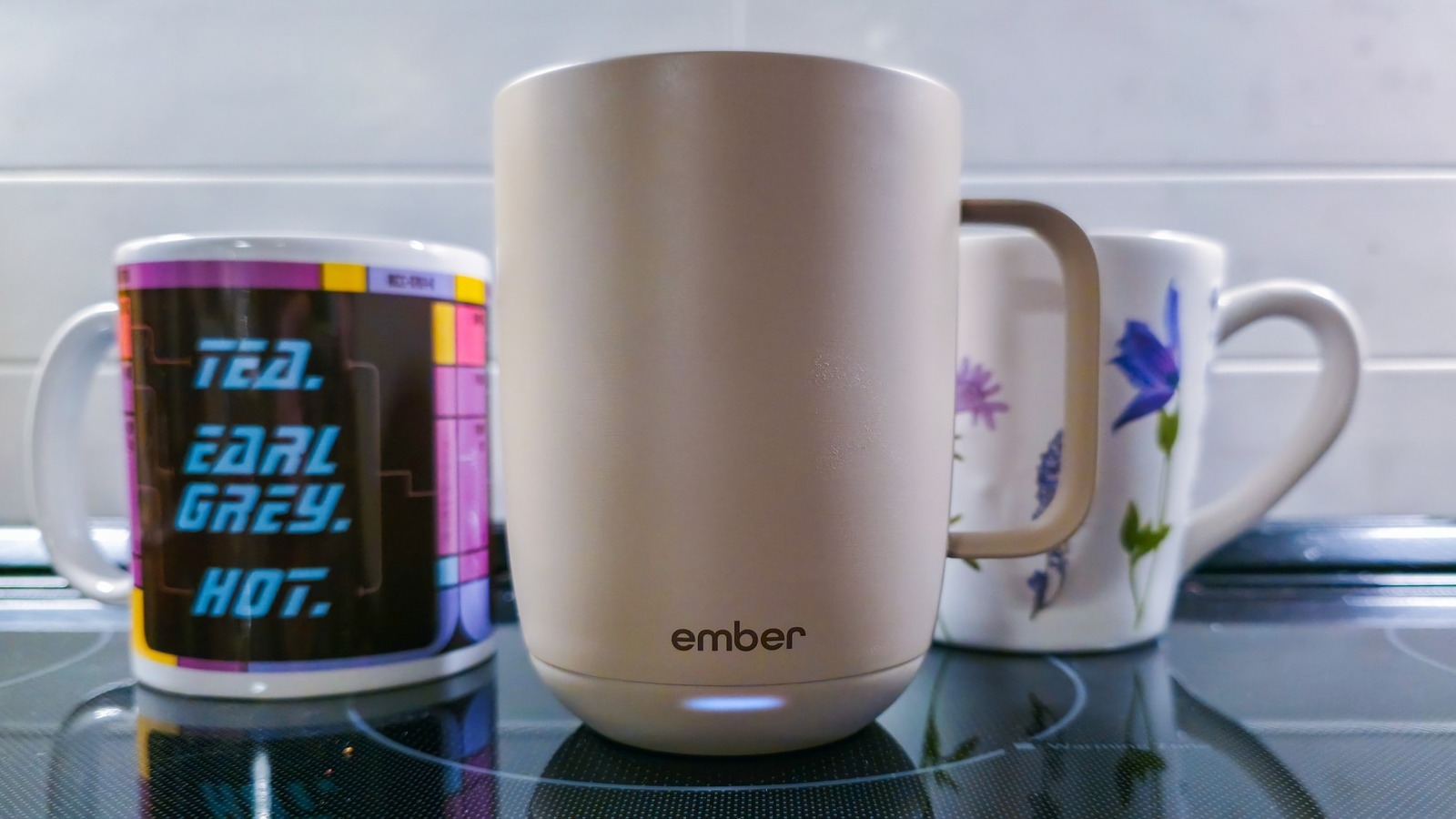
A slow drinker is the customer a self-heating mug is built for. Engadget's reviewer is one, and describes nursing a flat white for several hours [12]. At 3PM on the day of writing, a coffee sat on the desk two-thirds full at exactly 136 degrees Fahrenheit, according to the Ember app [14].
Ember's mugs keep drinks hot for hours longer than they would stay hot on their own [16]. The Mug 3's included coaster is also its charging pad [3]. On first use, the reviewer set 145 degrees, the top of the supported range, and put the mug down with about 30 percent battery. It died within two hours because the coaster charged too slowly to sustain it [4]. Starting from full went differently. "With a full battery, the mug seemed to keep a much better pace, and I consistently drained drinks, not batteries," the reviewer wrote [5].
The charging hardware departs from common standards in two places. The mug connects to the coaster through two pogo pins instead of Qi, and the reviewer guesses Ember made that choice to avoid generating excess heat [6]. The coaster takes wall power through a barrel plug the reviewer calls hard to replace, and the review wishes it were USB-C [6].
Ember's marketing copy advertises three extra hours of battery life with the included lid [7]. The lid is an ordinary mug lid with no battery inside. The extra time comes from trapping heat [7].
"Whenever a piece of tech with a mandatory app comes across my desk, the experience invariably becomes more about the app than the hardware," the reviewer wrote [15]. Setup was seamless, and temperature was easy to dial in [13]. After that, temperature changes and shut-offs sent from the app sometimes failed to stick, and the mug needed re-pairing over Bluetooth about half the time [8]. The app also showed an error on launch several times. All of this was on an Android phone, and the reviewer could not speak to iOS [8]. Without the app, the owner gets one button on the mug's underside that selects from a few presets, and pressing it with a full mug is risky [9].
Held heat also changes the drink. Coffee tasted subtly different when kept hot in the Mug 3, and Engadget headed that section with a warning that the mug over-extracts coffee if you're not careful [10].
Engadget's headline verdict turns on price: for $150, it calls the third-generation flagship a tough sell [1]. One hands-on with one product is too narrow a base to say the smart-mug category has run out of reasons to upgrade. The Mug 2 has been a stalwart on Engadget's gift lists, including picks for teachers and remote workers [11]. The review does not compare the two generations feature by feature [11]. The problems it documents sit in the charging coaster and the Android app [4][8].
Two habits decide whether the $150 buys what the owner wants [1]. The first is charging: starting each drink from a full battery, or leaving the mug on the coaster to top up at high heat. The second is control: accepting a few presets on the bottom button, or relying on the app for an exact temperature. Full battery with presets is the case the review supports [5][9]. Full battery with the app depends on how the app behaves on a given phone, and Engadget tested only on Android [8]. Coaster top-ups at the 145-degree ceiling drained the battery within two hours in testing [4]. Pairing that habit with app control combines both problems the reviewer hit.
I'd pay the $150 only in the first case [1]. The tradeoff there is that the owner gives up exact temperature control and has to press a button on the underside of a full mug to change it [9].
What to watch
- An iOS test of the Ember app, which would show whether the settings and Bluetooth pairing failures are specific to Android.
- An Ember app or firmware update that makes temperature changes stick and ends the repeated re-pairing.
- A side-by-side test of the Mug 3 against the Mug 2, which would show what the third generation adds for someone upgrading.