Product1 publisher3 min readPublished
Meta's avatar passed for live video in a WhatsApp call after a five-minute phone setup
Engadget's reviewer spent part of a WhatsApp call with one of Meta's new holographic avatars before working out it was not a live person. Early access opens this fall on the VR glasses and the Ray-Ban Display frames.
The Product Desk · Product desk
What happened
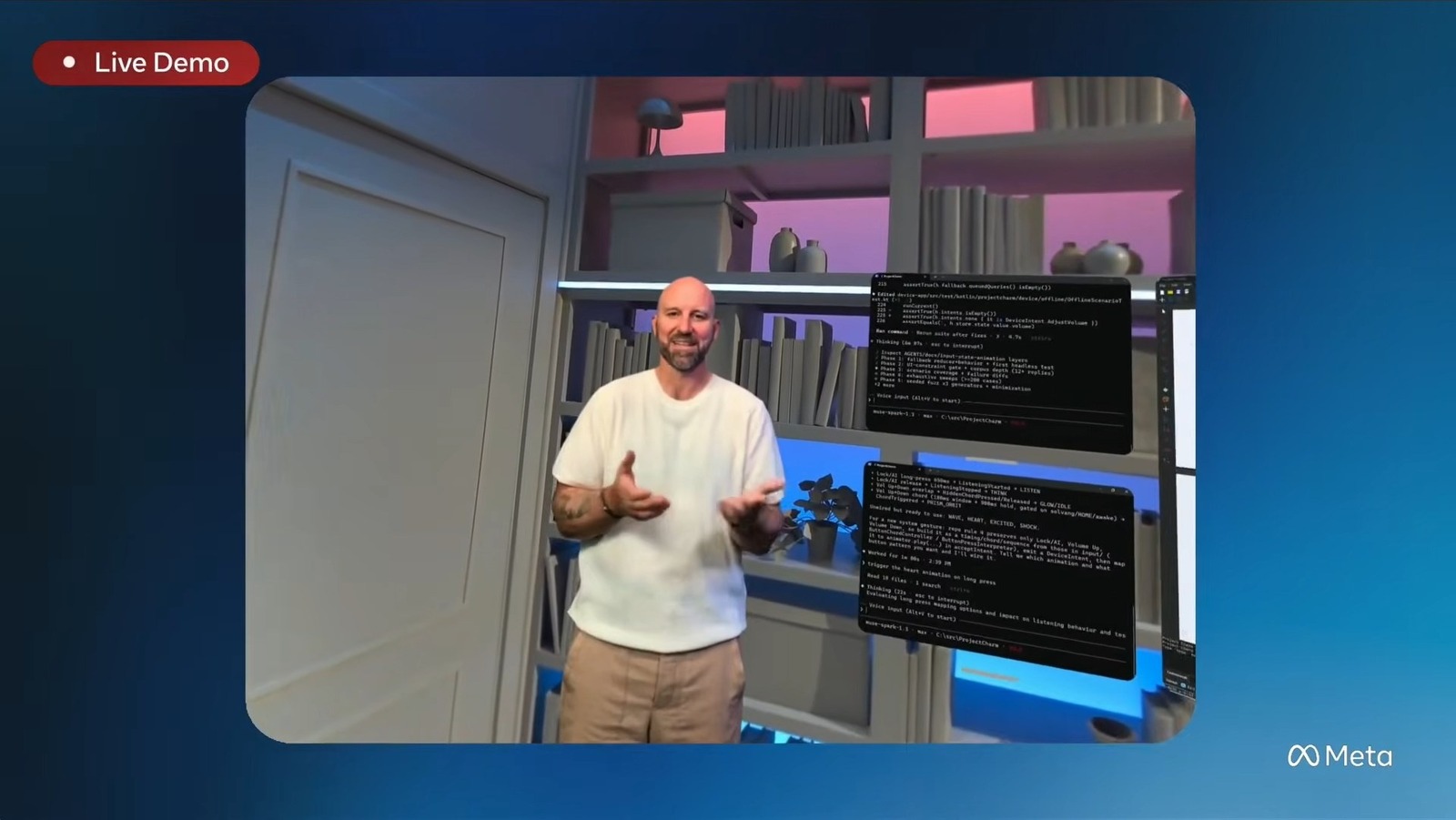
- Meta said at Connect that its holographic avatars are coming to both its new VR glasses and the Ray-Ban Display frames, in what the company calls an early preview.
- Setup on the display glasses runs in the Meta AI app, with head turns in front of the phone camera and spoken answers to a few questions, and takes about five minutes end to end.
- The avatars run on Meta's new Muse Realtime Avatar model, which uses that short training pass to approximate the user's facial expressions while they talk.
- Engadget tried both demos ahead of the keynote and reports the feature is still buggy at this stage.
Compiled by The Product DeskSomething wrong?How this is made
Why it matters
- capability A glasses wearer can now appear on a WhatsApp or Zoom call as a likeness of themselves instead of a person with hardware covering their face.
- exposure The recipient's only in-frame signal is a transparent watermark that Engadget's reviewer first read as a shirt logo, so noticing an avatar depends on the viewer already knowing the marker exists.
- decision Anyone who treats a video call as identity evidence has to decide what else they will require, given that a passable likeness comes out of a five-minute phone scan.
- constraint Because the avatar only works while the caller wears the device, teams cannot standardise on it for meetings where some people will be on a laptop.
Setup decides whether the feature is usable. On the Ray-Ban Display path, the Meta AI app uses the phone camera and asks the user to turn their head so it can capture the face from several angles, then asks questions meant to capture how the voice sounds in different kinds of talk [5]. Engadget's reviewer got "what does your perfect day look like from start to finish" and "what's one of your hobbies, and why do you like it" [6]. The app then kept skipping ahead as if it could not hear him, though the hands-on says the hiccup did not seem to affect the process [7]. A prompt to "smile and show your teeth" and to repeat a phrase as if surprised closes it out [8]. About five minutes, start to finish [9].
The two sides of the same call behaved differently. Watching his own likeness in the corner of the display, Engadget wrote, "It looked exactly like me, but my brain was also able to immediately recognize that it wasn't me" [12]. A viewer who has never seen the real face move has less to go on [24]. Holding the phone on the other side, he was fooled at first, and caught it only by looking closely at the background [13]. He gave his own caveat: "It might be because I had only just met the person I was speaking to" [14].
Meta puts a transparent watermark on every video call made with an avatar [15]. On first viewing, Engadget's reviewer took it for a logo on the other man's shirt, and wrote that "if you know what to look for, it is a clear identifier" [16].
The VR glasses version asks less of the user. Inward-facing cameras and sensors read expressions directly, so there is no training step, and the avatar shows a full body [17]. Engadget spoke with a full-size hologram of a Meta product manager and found it much more natural looking than Apple's persona avatars, which do not show lower bodies or arms [18][19]. The seams show at the feet, where the figure distorted as the reviewer moved around the room, and at the edges of the head. The avatars are not fully 3D and present only a frontal view [20].
Someone on a video call with display frames or a headset on their face cannot show that face, and the avatar is the substitute, usable on WhatsApp or Zoom while the glasses are on [10]. The avatar is also tied to the hardware: a Ray-Ban Display owner can call someone as their avatar only while wearing the glasses [21].
Two tests sort the use cases for anyone deciding whether to let this into a workflow. First, whether the recipient needs to know they are looking at a rendering. Second, whether they can tell without being told. On the second test, the answer today is a watermark that a first-time viewer read as clothing [15]. The hands-on does not describe any check that the face being enrolled belongs to the person enrolling it [23]. For any call that moves money or grants access, a familiar face on the screen now establishes presence and nothing about who is holding the phone.
What to watch
- Whether Meta states any consent or identity requirement for enrolling a likeness when early access opens beyond the preview.
- Whether the watermark survives screen recording and re-encoding, and whether WhatsApp or Zoom surface it in their own interfaces.
- Whether a display-glasses user can eventually appear as an avatar to a recipient with no Meta hardware.