Product2 publishersIndependently confirmed2 min readPublished
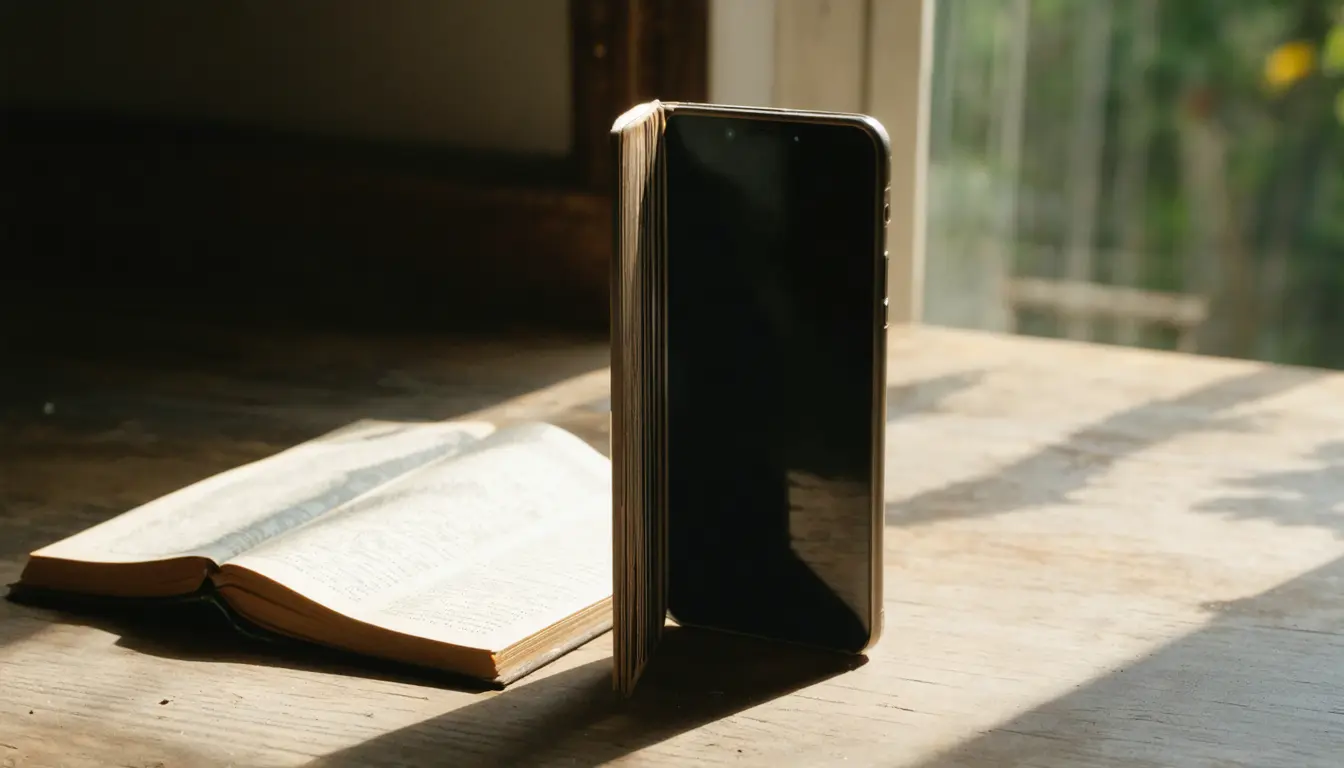
iPhone Duo's Quick Look lays documents out as a two-page spread when held open like a book
Code explorer pdfu found a two-page Quick Look layout on the unfolded iPhone Duo ten days before pre-orders open on October 16. Teams that ship document apps now have to decide whether their own viewers need the same spread, working from one video of Apple's viewer.
The Product Desk · Product desk
Drafted by a language model from the sources cited here and checked against its claim ledger before publication. How we use AISend a correction
What happened
- In pdfu's clip on X, an Apple Style Guide document spans both halves of the unfolded phone, with consecutive pages side by side like a printed spread.
- Apple has already detailed how iOS 27 adapts interfaces for the Duo, including angle-aware layouts and side-by-side multitasking.
- Phones reach buyers on Friday, October 23, seven days after pre-orders open.
- 9to5Mac wrote that once Apple Pencil support launches later this year, the Duo "could be the first iPhone to offer a truly compelling PDF experience."
Compiled by The Product DeskSomething wrong?How this is made
Why it matters
- decision Teams that draw their own document pages have to choose before launch whether to build a spread for the open-book position, copying a design known only from one clip of Apple's viewer.
- cost If 9to5Mac's expectation for single-page reading holds, covering the open screen properly takes two layouts for one posture: a spread and a wide single page.
- precedent Owners who learn search, markup and share in a right-hand column in Apple's viewer are likely to expect the same placement in other document apps on the Duo.
The person this is for has a PDF from work or class open on a phone. 9to5Mac wrote that lots of people handle PDFs for their job or school, and that viewing them on a traditional iPhone "isn't a great experience" [11]. Its yardstick is the iPad, which it says excels as a PDF viewer [12].
"Quick Look on iPhone Duo has a new two-page layout in the open book position," code explorer pdfu wrote on X [4]. MacRumors says the feature "appears to have" that option, and so far the evidence is one video [1] [5].
In the build decision, posture comes first. The spread is tied to the open-book orientation [1], so an app copying it should switch layouts based on how the phone is held, not only on screen width. Single-page reading is the second. "I expect iPhone Duo will be especially nice for viewing PDFs in a single-page mode too," the 9to5Mac author wrote [13]. So one posture needs two layouts. Tool placement is the third. Apple put search, markup and share in a column along the right-hand side while a document is open [6].
I think teams that render their own documents should build the spread now and turn it on only in the open-book position. The cost is that they would be copying a design seen in a single clip. If single-page reading wins, few owners will keep the spread switched on. The reports do not say whether the two-page layout applies anywhere outside Apple's own preview.
Once devices ship, the number to track is which mode people are in when they reach the last page of a document. Minutes on screen and taps on a layout toggle cannot show whether the spread helped anyone read.
To decide, sort the app on two questions: do users read pages in order or jump around a file to search and annotate, and does the app draw its own pages or hand files to the system preview. If users read in order and the app draws its own pages, build the spread before launch. If those same readers use an app that relies on the system preview, the team can wait for a shipping phone and test what Apple's viewer does. Where users jump around inside a custom renderer, they gain more from a wide single page with tools in a side column, the layout Apple chose [6], than from a spread. An app that uses the system preview for jump-around work is the cheapest of the four cases. The work there is opening it on the unfolded screen and fixing what breaks.
What to watch
- Whether Apple documents the two-page Quick Look mode before launch, and whether it applies outside Apple's own preview.
- Early owner reports on whether people finish documents in the spread or switch back to a single page on the open screen.
- Whether third-party document apps ship open-book layouts on day one or leave the wide screen to Apple's viewer.