ProductWidely confirmed7 publishers2 min readPublished Updated
Googlebook's patched phone sync still asks for Android 17 and a home Wi-Fi network
Google is rolling out Play Services 26.37, a phone-side update that improves Googlebook's Android sync and adds the Samsung support missing at launch. Its checklist still points users to an Android 17 phone on home Wi-Fi, so an office pilot needs testing on the network staff actually use.
The Product Desk
Key figures. Google Play Services on the phone must be version 26.37 or higher. Google's Better Together checklist has seven steps. Four Continue activity sub-toggles must be on. Samsung phones need One UI 9.
| Figure | Value | Note | Claim |
|---|---|---|---|
| Google Play Services version needed, or higher | 26.37 version | 5 | |
| Google checklist steps | 7 steps | 18 | |
| Sub-toggles that must be on | 4 sub-toggles | 19 | |
| Samsung phones need One UI | 9 version | 12 |
What happened
- At launch, Instant Hotspot worked widely but other Better Together features were inconsistent, slow to activate or unavailable, 9to5Google reported.
- Galaxy phones need One UI 9, and Samsung has so far shipped it to only a small portion of its device catalog.
- Some Samsung Galaxy owners have already confirmed the sync features work on their Googlebooks after updating.
- 9to5Google reports the update also fixes a bug that kept the pairing QR code on the Googlebook's screen after pairing had finished.
Why it matters
- cost Because the fix ships as phone apps, the team that manages phones carries much of the work of making a Googlebook rollout succeed.
- decision Teams that ruled Googlebook out over missing Samsung support can re-test, but only with Galaxy models that already have One UI 9.
- exposure Google's checklist assumes the same personal Google Account on both devices, so an enterprise trial on managed accounts is testing a setup the guidance does not cover.
Step three of Google's checklist for Googlebook's phone features sends the owner off hotel, cafe, office and guest Wi-Fi [14]. The instruction is to pause any VPN or DNS blocker and test on a standard home network instead [14]. Google says those networks frequently use client isolation. It blocks direct local connections between the phone and the laptop [14].
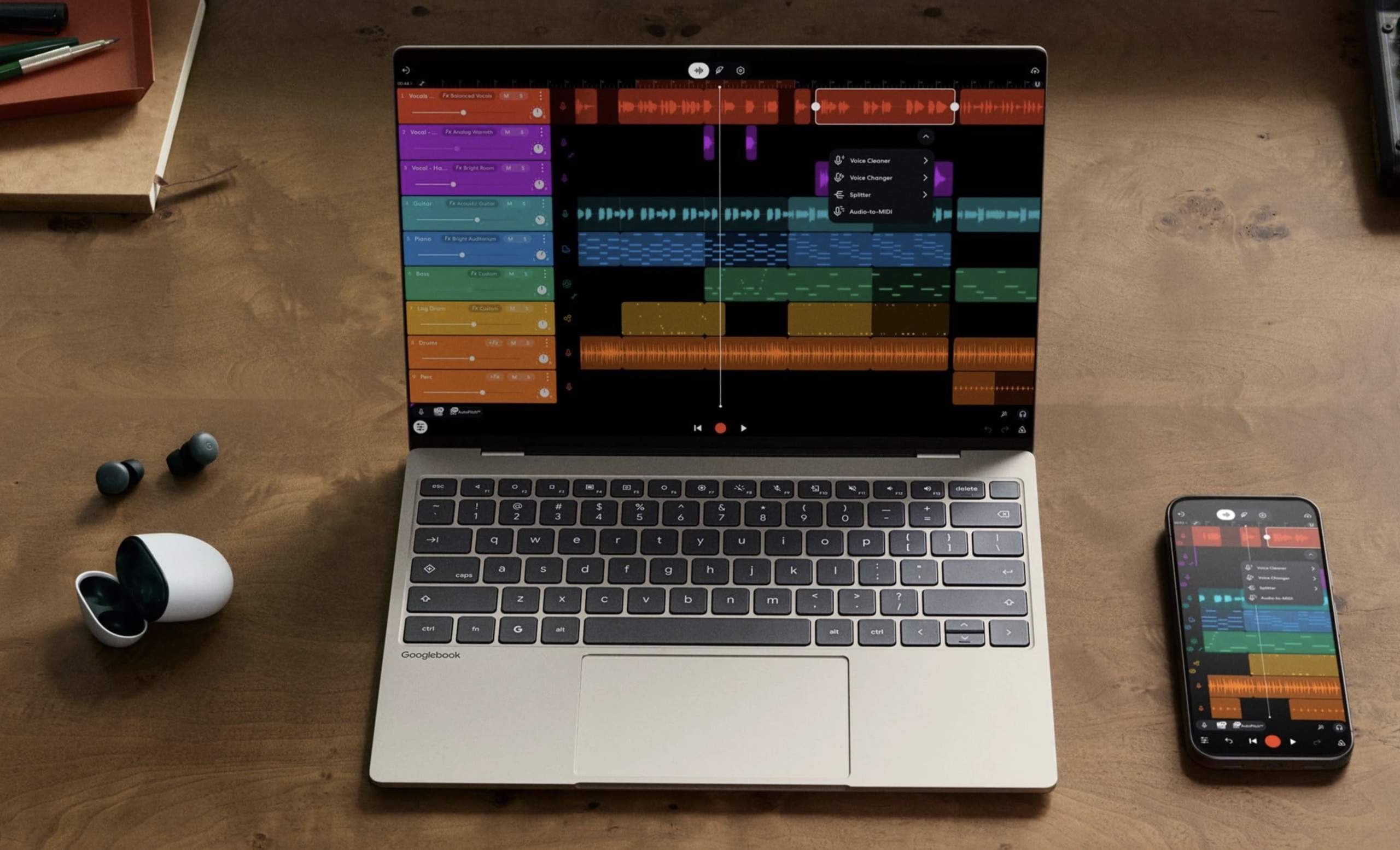
The pitch is a desktop that integrates deeply with the Android phone beside it, including app streaming and notification sync [7][8]. The work is a routine kept up on that phone. Google's list runs to seven steps [18]. Two set minimum versions for separate phone apps, each updated through the Play Store [5][6]. Another requires four Continue activity toggles to be on: Tasks, Apps, Notifications, and Files & media sharing [19][15]. The last is a restart of both devices [16]. The list arrived with the "smoother first-time setup" Google said in a Reddit post it had started rolling out, with fewer steps [2].
Samsung was the bigger gap. 9to5Google called missing Galaxy support perhaps the largest compatibility problem at launch, and Google had said only that it would arrive "in the coming weeks" [3]. The new phone-side updates appear to switch it on, 9to5Google reported [1]. Some owners had blamed missing updates on Samsung's end; the publication now says it sounds worked out [11].
We think teams should judge Googlebook as patched. In our view, a pilot that pairs phones once at the IT bench and calls sync done will learn little about the networks staff actually carry the laptop to. The tradeoff of judging the patched version is that it comes with stated requirements, and they are narrow: an Android 17 phone [17] on a network that allows direct local connections [14].
Sort pilot users on two axes: whether the phone runs Android 17, with One UI 9 on Galaxy models [17], and whether the network they work from most allows direct local connections [14]. People who clear both are the only ones testing the product Google pitches. For them, the measure is time from unboxing to the first phone notification appearing on the laptop, checked again a week later [8]. An Android 17 phone behind an isolating office network sends the first question to the network team. Anyone without Android 17 is evaluating a laptop without its headline feature [7][17], and the write-up should count them separately.
What to watch
- How quickly Samsung extends One UI 9 to more Galaxy models, since that sets how much of a Samsung-heavy fleet can use the sync features.
- Whether Google makes the features work on client-isolated office networks, or publishes guidance for IT teams that run them.
- Whether owners report the features that were inconsistent or slow to activate at launch working reliably once the 26.37 update is installed.
Clarity's read
What the record supports and how the coverage leans. The claims behind it follow.
Reality
- Evidence62
- Adoption
- Insufficient
- Hype gap+12
- Incentives
- Insufficient
- Confidence72
Perspective Coverage
8 publishers- Builder
- Builder 13%
- Operator
- Operator 65%
- Investor
- Investor 22%
Claim ledger
Ranked by verification strength, evidence, and original report placement.
- [1]
The updates apparently also enable support for Samsung devices.
- [2]
In a post on Reddit, Google said it has started rolling out "smoother first-time setup" for the cross-device features, reducing the steps needed to set them up.
ReportedSupportedSource: Google, via Reddit post reported by 9to5Google4 sources— create a free account to open themView cited source - [3]
Missing Galaxy smartphone support was perhaps the biggest compatibility gap in Googlebook at launch; Google originally said it would arrive "in the coming weeks."
ReportedSupportedSource: 9to5Google; quoted phrase is Google's5 sources— create a free account to open themView cited source - [4]
A bug where the QR code used to pair the phone kept showing even after Googlebook pairing was complete is apparently fixed with this update.
- [5]
Google Play Services must be at version 26.37 or higher on the phone; updates are checked through the Play Store.
ReportedSupportedSource: Google's breakdown, reported by 9to5Google4 sources— create a free account to open themView cited source - [6]
Cross-device Services on the phone must be at version 1.0.1346 or higher, also updated through the Play Store.
ReportedSupportedSource: Google's breakdown, reported by 9to5Google4 sources— create a free account to open themView cited source - [7]
The big selling point for Googlebook is that it is a desktop platform that deeply integrates with the user's Android phone; at launch, the 'Better Together' sync features were in a messy place.
- [8]
Core features that work between Android phones and Googlebook include app streaming, notification sync, and 'Continue On' for compatible apps.
- [9]
At launch, some features such as Instant Hotspot seemed to work widely, while others were inconsistent, slow to activate, or simply unavailable; it takes some work to fully activate the features.
- [10]
Some Samsung Galaxy users have already confirmed that Better Together features are working on their Googlebooks following these updates.
- [11]
Missing Samsung support was initially attributed by some to missing updates on Samsung's end, but 9to5Google says it sounds like everything is worked out.
- [12]
Samsung phones still need One UI 9, which has rolled out to only a small portion of Samsung's device catalog so far.
- [13]
Google's checklist says the phone and Googlebook must use the same personal Google Account with both Bluetooth and Wi-Fi on.
ReportedSupportedSource: Google's breakdown, reported by 9to5Google3 sources— create a free account to open themView cited source - [14]
Google advises using a private home Wi-Fi network: hotel, cafe, office, and guest Wi-Fi networks frequently use client isolation, which blocks direct local connections between the phone and laptop. Users should pause active VPNs or network DNS blockers and test on a standard home Wi-Fi network.
ReportedSupportedSource: Google's breakdown, reported by 9to5Google3 sources— create a free account to open themView cited source - [15]
Under Cross-device services > Continue activity on the phone, Tasks, Apps, Notifications, and Files & media sharing must all be turned on.
ReportedSupportedSource: Google's breakdown, reported by 9to5Google3 sources— create a free account to open themView cited source - [16]
Google's checklist ends with restarting both the phone and the Googlebook so changes take effect.
ReportedSupportedSource: Google's breakdown, reported by 9to5Google3 sources— create a free account to open themView cited source - [17]
The phone must run Android 17. Better Together features work with Pixel and compatible Android 17 phones including Xiaomi, Oppo, OnePlus, Motorola, Lenovo, Honor, Sharp, Sony, and Samsung (One UI 9.0).
ReportedSupportedSource: Google's breakdown, reported by 9to5Google2 sources— create a free account to open themView cited source - [18]
Google's checklist for Better Together features has seven steps.
- [19]
Four Continue activity sub-toggles must be on.
Sources
7 independent publishers whose own reporting we read for this story.
- 9to5google.comGooglebook improving ‘Better Together’ Android sync features, Samsung support rolling out
1 article · October 10, 2026
- androidcentral.comSamsung phones finally support Googlebook cross-device features | Android Central
1 article · October 12, 2026
- chromeunboxed.comTested: Googlebooks and Samsung phones now work seamlessly together
1 article · October 12, 2026
- pcmag.comBetter Late Than Never: Samsung Phones Now Work with Googlebook Laptops | PCMag
1 article · October 12, 2026
- t3.comYour new Googlebook now plays nicely with a Samsung Galaxy phone after essential update | T3
1 article · October 13, 2026
- techrepublic.comGooglebook Adds Samsung Galaxy Support: Here’s What Changes for Users
1 article · October 12, 2026
- trustedreviews.comGooglebooks finally works with Samsung phones after a bungled debut - Trusted Reviews
1 article · October 12, 2026
- uk.pcmag.comBetter Late Than Never: Samsung Phones Now Work with Googlebook Laptops
1 article · October 12, 2026
Topics and entities
Follow any of these and your For You feed starts watching them — no settings page required.