Product2 publishers2 min readPublished
Adobe's free Premiere for Android puts the paywall on AI generations and cloud storage
Adobe shipped Premiere for Android a year after the iOS app, with 4K export and a multi-track timeline at no cost and no watermark. Keyframes, cropping and handoff to Premiere desktop are on Adobe's list of features to add.
The Product Desk · Product desk
What happened
- Adobe put a free Premiere app in the Google Play Store almost exactly a year after the same app reached iPhone users.
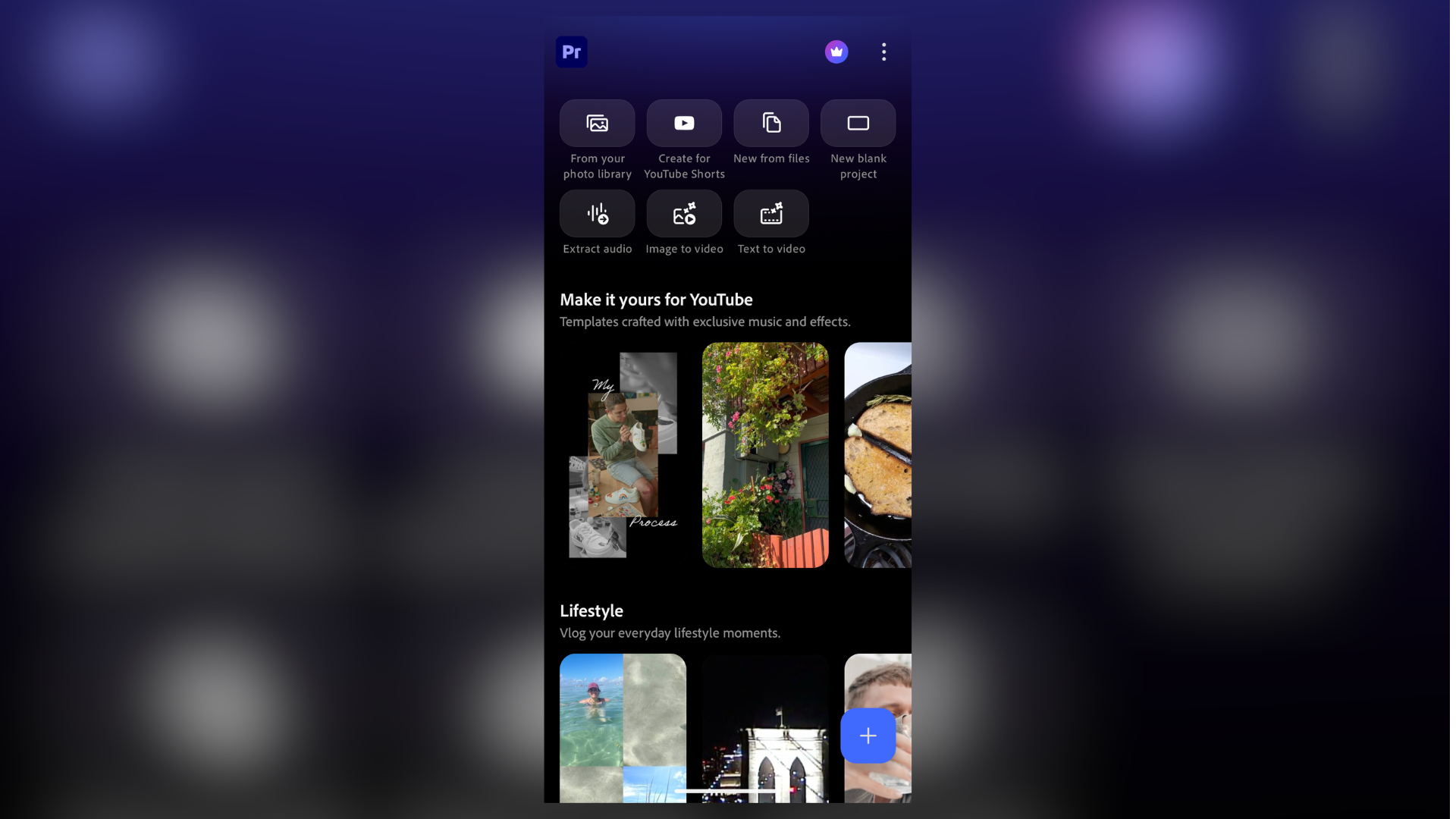
- It edits and exports up to 4K, layers video, music, voiceovers and effects on a multi-track timeline, and pulls assets, transitions and music from Adobe Stock or the user's own files.
- According to Android Police, the only parts of the app that require payment are the AI features and cloud storage.
- The app needs a phone running Android 13 or later with at least 5GB of RAM.
- Android Police reported the app had passed 50,000 downloads on the day Adobe announced it.
Compiled by The Product DeskSomething wrong?How this is made
Why it matters
- cost The editor who shoots their own footage pays nothing, and the bill lands instead on whoever needs generated clips or cloud-stored projects, which TechRadar notes is how most of Adobe's mobile apps already work.
- capability A team with no Adobe seats at all can now produce watermark-free vertical video on handsets it already owns, without an ad roll or an Adobe bumper stitched onto the front of the export.
- constraint Studios whose finishing happens in Premiere on a workstation cannot yet make the phone the first step of a project, because Adobe puts continued editing on desktop among the features it still intends to add.
- decision Anyone standardising on this has to sort the company phone fleet into handsets that clear the memory and OS floor and handsets that do not, before telling everyone they can edit.
An hour on a Fairphone bought TechRadar's reviewer one generated clip: four seconds, 720p, then a prompt to upgrade or sign into a paid Adobe account [9][10]. Everything else in the app carried on working.
Android Police reported that the app is free, does not require a login, and shows no upgrade prompts [7]. TechRadar said a subscription is needed for extra AI generations and storage, and its reviewer hit that limit on the first generation [20][10]. Both accounts fit an app that meters one feature and leaves the rest alone.
Generation here does what Firefly does in a browser or in Premiere on the desktop: define the first and last frame, pick 720p or 1080p, set the duration, add audio [11]. Adobe also lists Generative Fill and Generate Sound Effects [19]. For a team already paying for desktop Premiere, this is a phone client for the same account and nothing more.
Premiere Rush sat in the Play Store from 2019 to 2025 as a stripped-down mobile Premiere, at $9.99 a month, or inside a Creative Cloud subscription costing over $50 a month [13]. Twelve months of Rush came to $119.88 per editor [14]. Android Police said the new release will cut into the competition Adobe faces from Canva and CapCut [15].
Adobe's list of pending features describes what the app cannot do this week. It said Adobe Fonts, enhanced captions, keyframes, cropping, beat detection and continued editing on Premiere desktop are planned [12]. Keyframes and cropping are routine work, and without them a phone edit is cuts, transitions, text and audio. TechRadar found the app responsive with relatively large files, with shortcuts for YouTube Shorts and text-to-video along the top of the screen [18][17]. Adobe's pitch, quoted in that hands-on, is "stand out edits to share on TikTok, YouTube, Instagram, and Facebook" [16].
What decides this for a team is where the edit finishes, and whether the work needs generated pixels or generated sound.
- Finishes on the phone, no generation. Install it, spend nothing, and the editing feature set is the whole product. - Finishes on the phone, with generation. You are buying credits, and the free allowance covers about one short test clip [10]. - Finishes on desktop, no generation. Good for capture and rough cuts, with projects moving as flat exports until the continuation Adobe announced arrives [12]. - Finishes on desktop, with generation. The desktop seat already generates, so the phone app's value is shooting and rough-cutting [11].
What to watch
- Whether Adobe ships keyframes, cropping and continued editing on Premiere desktop, and whether that handoff needs a paid Creative Cloud seat.
- Whether the free generation allowance changes once launch week traffic settles.
- Whether Android updates now arrive alongside the iOS app that shipped a year earlier, or trail it again.