Published · 6d agoSecurity2 min read
The $120 seat that lets an agent log in as your employee
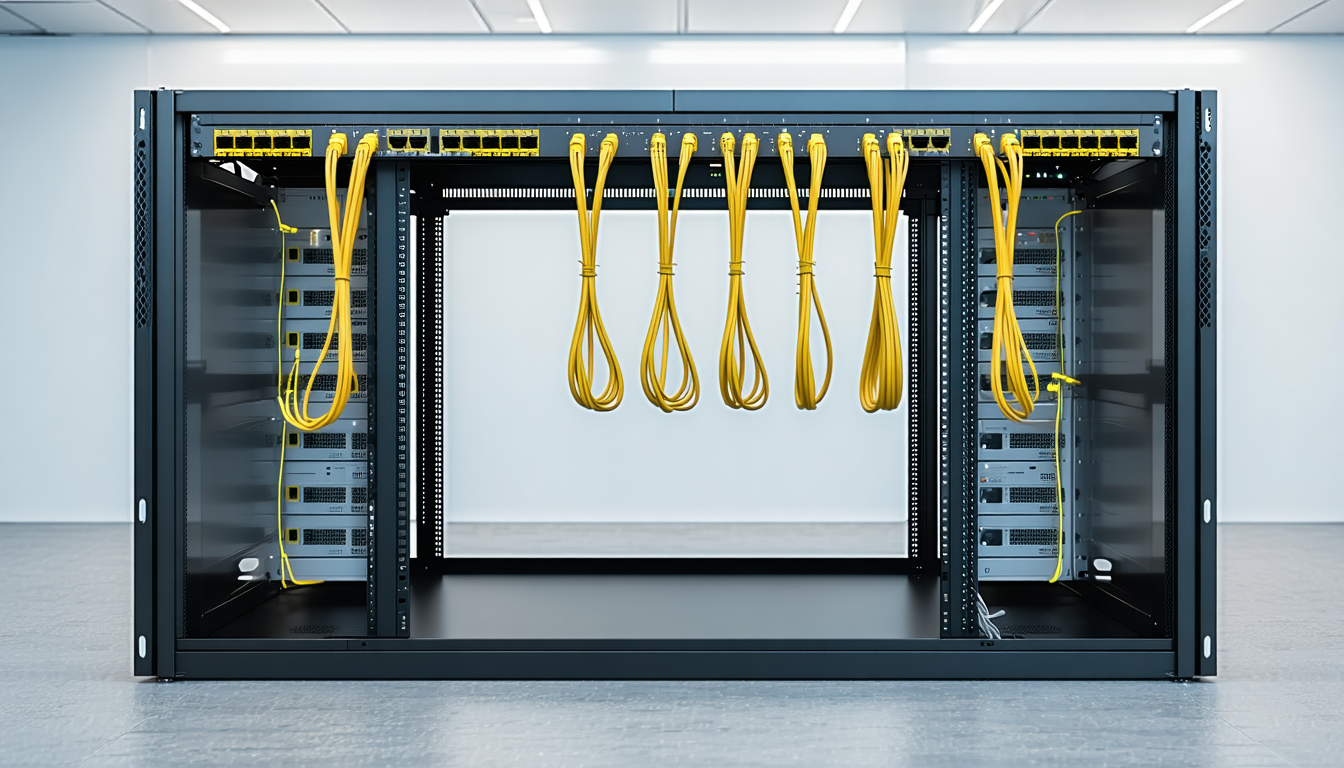
Cursor's Premium Teams seat costs $120 per user per month, and it is one of the plans that unlocks Grok Bot: a cloud Linux box holding a staffer's live logins.
Not a builder's beat, but builders have a standing stake in it.See today for builders
What happened
- Cursor's Premium Teams seat is priced at $96 per seat per month on annual plans and $120 per seat per month on monthly plans.
- Cursor's Standard Teams seat is $32 per seat per month on annual plans and $40 per seat per month on monthly plans, with more total included usage than before and no change in cost.
- Cursor describes the new Premium seat as 5x the included usage of the Standard seat at 3x the cost, and says teams can mix seat types freely.
- The monthly Premium price is exactly three times the monthly Standard price.
- Grok Bot availability and billing depend on the account and plan; eligible plans include SuperGrok Heavy, Cursor Ultra, and Cursor Teams Premium.
Compiled by The WatchSomething wrong?How this is made
Why it matters
The figure is a line on a price list: $120 per seat per month for Cursor's Premium Teams seat on monthly billing, or $96 per seat on annual terms, against $40 and $32 for the Standard seat [1][2]. Cursor describes Premium as five times the included usage of Standard at three times the cost, with teams free to mix seat types [3], and the monthly numbers match that ratio exactly [4]. It stops being a procurement number the moment you read what the seat entitles. Cursor Teams Premium is listed among the plans eligible for Grok Bot, alongside SuperGrok Heavy and Cursor Ultra, with availability and billing depending on account and plan [5]. The Grok Bot documentation says bots can sign in and use apps and websites just like you do, on a persistent cloud computer [6]. Members sign in with their Cursor account, so existing Cursor SSO and team membership apply [7], and bots can log in to services in that computer's web browser [8]. The architecture is what the money buys. Each member gets one dedicated managed Linux virtual machine, and all of that member's bots share it, so files, sign-in sessions and permissions belong to the member rather than to an individual bot [9]. The FAQ is unusually direct about the consequence: the computer is assigned per user, and separate bots are not a security boundary [10]. Each bot gets its own screen on the same machine, and a login or file placed there should be treated as available to all of them [11]. Deleting a bot removes its profile, conversation and routines, but files and logins on the shared computer may remain [12]. So the blast radius is the seat, priced at $120 a month [1]. The controls that exist are real but partial: sign-in tokens for hosted MCP servers stay with Cursor's backend and are never stored on the computer [13], first local execution requires member consent and every local action passes Auto-review showing the exact command [14], and human-only steps such as passwords, two-factor codes and CAPTCHAs require a computer takeover [15]. The machine is not enrolled in mobile device management by default [16], and Cursor recommends pushing a password manager via a Team Setup script or asking members to enroll passkeys [17].
Claim ledger
Ranked by verification strength, evidence, and original report placement.
- [1]
Cursor's Premium Teams seat is priced at $96 per seat per month on annual plans and $120 per seat per month on monthly plans.
- [2]
Cursor's Standard Teams seat is $32 per seat per month on annual plans and $40 per seat per month on monthly plans, with more total included usage than before and no change in cost.
ReportedView cited source - [3]
Cursor describes the new Premium seat as 5x the included usage of the Standard seat at 3x the cost, and says teams can mix seat types freely.
ReportedView cited source - [5]
Grok Bot availability and billing depend on the account and plan; eligible plans include SuperGrok Heavy, Cursor Ultra, and Cursor Teams Premium.
ReportedView cited source - [6]
Grok Bot documentation states that bots can sign in and use apps and websites just like you do, on a persistent cloud computer, and finish jobs end to end, returning only when something needs approval.
ReportedView cited source - [7]
Members use Grok Bot from desktop and iOS apps and sign in with their Cursor account, so existing Cursor SSO and team membership apply.
ReportedView cited source
Sources & coverage · 2 publishers
The reporting this story was synthesized from, earliest first. Every link goes to the original.
- docs.x.ai6d agoGrok Bot | SpaceXAI Docs
- docs.x.ai6d agoGrok Bot for teams and enterprises | SpaceXAI Docs
- docs.x.ai6d agoFrequently asked questions | SpaceXAI Docs