Build1 publisher2 min readPublished
Running llama-server puts context, KV cache and GPU placement in your command line
A dev.to guide puts the llama.cpp and Ollama decision on ownership. Under Ollama the named model is the unit you operate; under llama.cpp it is the llama-server process and the seven flags in its command line.
The Engineer · Build desk
What happened
- A dev.to comparison argues the llama.cpp and Ollama decision is between a managed model service and a toolkit you operate directly, not between two rival inference engines.
- llama.cpp's own serving program already speaks OpenAI-compatible Chat Completions, plus embeddings, multimodal requests, function calling, structured output, continuous batching and speculative decoding.
- The guide's case for staying on Ollama is workload-shaped: a dependable backend for Open WebUI, a coding assistant, or a few local scripts is where it calls Ollama the less distracting choice.
- It also credits Ollama with optimising the first five minutes and being easier to install consistently across a fleet of developer machines.
- Ollama's service keeps a local model store, applies templates and defaults, selects a backend, schedules model processes, unloads idle models, and reports timing and loading data over its native API.
Compiled by The EngineerSomething wrong?How this is made
Why it matters
- decision Moving to llama-server is a decision to own context, KV cache and GPU placement, and to be the person who gets them wrong in a file that goes through review.
- cost Convenience now is paid for later, by whoever has to reconstruct a single allocation from settings held in several places at once.
- exposure The bind address becomes your responsibility: the guide's sample pins the server to 127.0.0.1, and that flag is what keeps it off the network.
- precedent Documented entry points are moving toward `llama serve` while packaged executable names still vary, so unit files that hardcode one name become a standing maintenance item.
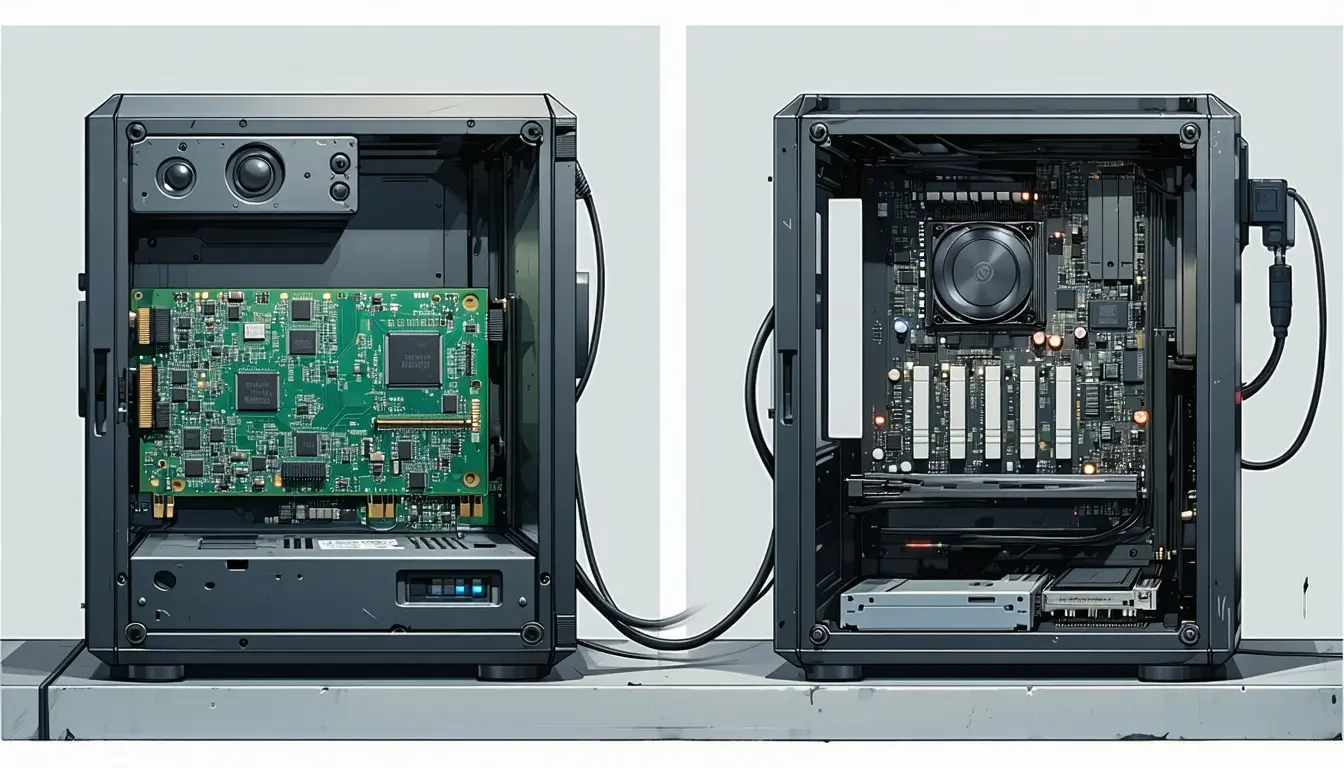
A client calls Ollama's API on port 11434. The request passes a scheduler and a model store before it reaches the llama.cpp build Ollama ships [4][2]. Direct llama.cpp puts the client on llama-server at port 8080, and the runtime behind it is the one the flags on that process describe [4].
In Ollama the name carries the settings. A model name can have a template, parameters, a system prompt, a license, an adapter and a minimum runtime version attached to it [8]. So `ollama run qwen3:8b` starts a configured runtime in one line, and `ollama list`, `ollama show`, `ollama ps` and `ollama stop` manage models as objects [9].
The guide's sample llama-server invocation carries seven flags: model path, alias, host, port, `--ctx-size 32768`, `--n-gpu-layers all` and `--flash-attn on` [10][1]. The guide calls the longer command "an executable record of the runtime you intended to create", and says to put it in a systemd unit, Compose file or shell script [11]. It contrasts that with configuration spread across four places: a model manifest, environment variables, API options and scheduler defaults [11][2].
The trigger it gives for switching is operational, not numeric. "If you keep asking what Ollama selected, allocated, changed, or hid, you have probably reached the point where llama-server is the cleaner system," the guide says [13]. It states no throughput or concurrency threshold to go with that.
In my view the workable version of that test is the kind of incident you get. Failures about answer quality and prompt templates do not need the flags. Failures about a model that no longer fits after a quantisation change, or a context window truncating mid-conversation, do. Reading scheduler defaults for the first time during an outage is a bad way to learn them. Under Ollama that is one of the four places the record lives [11][2].
Treat any throughput comparison between the two as a claim about one build. Ollama pins llama.cpp source, applies compatibility patches, launches a server through its own scheduler, and on Apple silicon can use its MLX engine instead [7]. For a published number to transfer to your machine, the pinned commit, the patch set and the engine actually selected all have to match what you run.
What to watch
- Published throughput numbers that name the pinned llama.cpp commit and patch set would make the two stacks comparable on the same hardware.
- Whether distributions adopt `llama serve` as the packaged entry point in place of llama-server.
- How far Ollama's MLX engine on Apple silicon diverges in behaviour from its pinned llama.cpp path.