Product1 publisher2 min readPublished
In Claude Code, a one-line skill description now decides which prompt runs
An XDA Developers writer moved his desktop sticky-note prompt stash into Claude Code skill folders. Claude keeps only each skill's name and description in context and pulls in the body it judges to match.
The Product Desk · Product desk
What happened
- An XDA Developers writer kept his reusable prompts as sticky notes on his desktop, among them a low-fi wireframe scaffold with strict grayscale rules and a component critique run against a specific checklist.
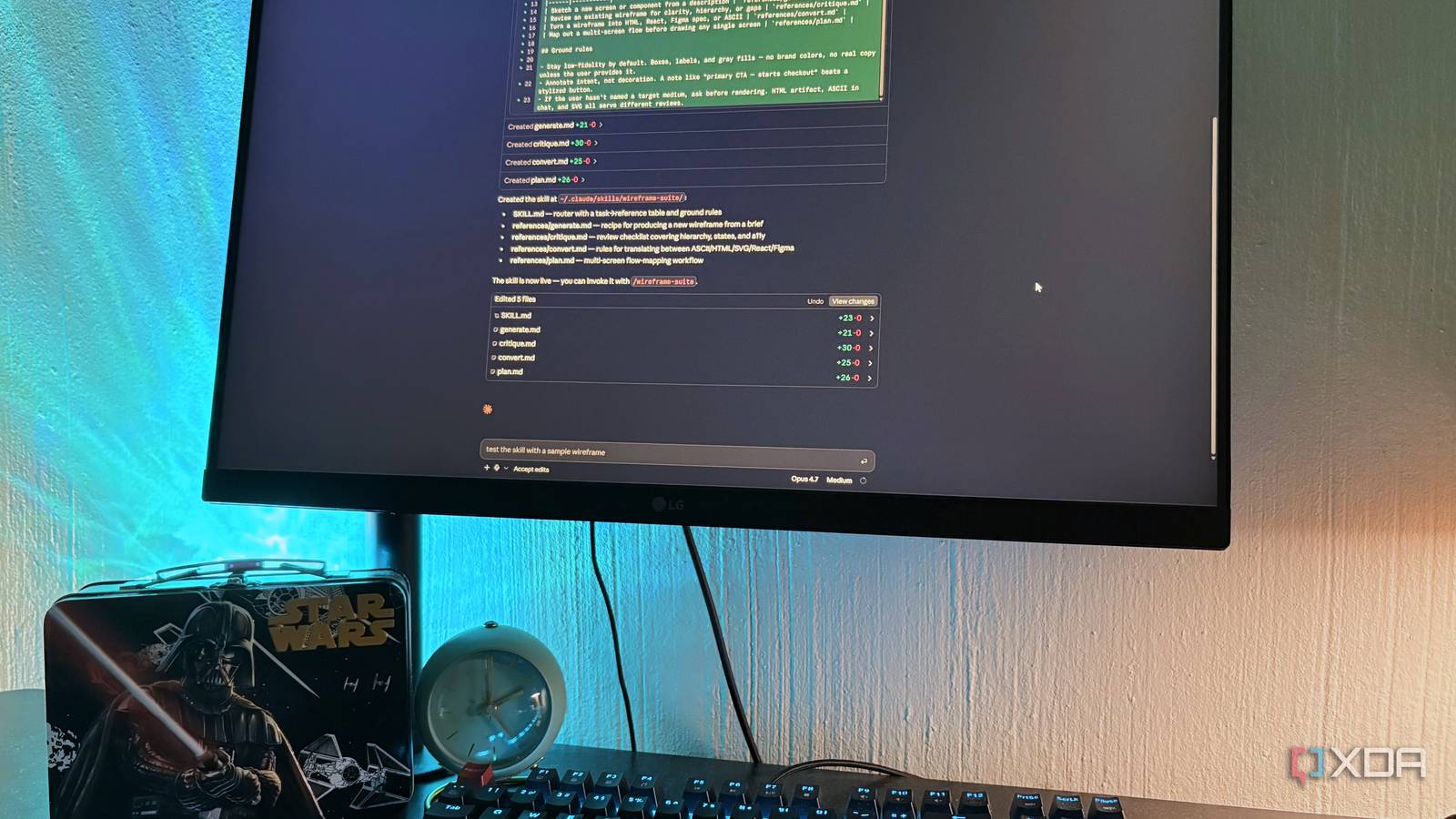
- A Claude Code skill is a folder holding a SKILL.md file, with a name and a description in YAML frontmatter and the instructions themselves in the body.
- Claude Code keeps every skill's name and description available and loads a skill's full instruction body only when an incoming message matches that description.
- Material too long for one file can be split into supporting files in the same folder and referenced from SKILL.md, loaded only when the branch that needs them fires.
- The writer's structural choice was between one large skill with branches inside and several thin skills with tight descriptions, and he settled on a mix of the two.
Compiled by The Product DeskSomething wrong?How this is made
Why it matters
- capability The person stops doing the routing. You describe the task and Claude selects the instruction set, so nobody has to remember which note to alt-tab to or keep a second copy in sync.
- constraint The description becomes the gate. A skill whose description is too vague to match sits in the folder unused, so maintenance effort has to go into one line of YAML rather than the instructions underneath it.
- cost A large library is billed at every session start, before any skill is used, and pruning falls to whoever owns the folder.
- decision Where the folder sits settles who owns the instruction: the home directory for one person, the project directory for everyone who checks it out.
The stash fails because you improve the prompt mid-session, get the output you wanted, and never write the change back, so the saved copy is the older one [10]. The XDA writer names a second failure: you forget what is in the pile and re-solve something you already solved [11]. A skills folder happens to fix both, because there is one canonical copy of each skill and the selection is no longer yours to make [12].
The selection is a judgment call, not a keyword lookup: according to the XDA account, Claude reads your message and decides which description fits [5]. Each name-and-description pair costs roughly 100 tokens when Claude Code starts [3]. Twenty-five skills is therefore about 2,500 tokens of context spent before a single instruction body opens [17].
So the unit of work changes. In a stash you maintain a prompt body. In a skills folder the description decides whether the body is read at all. An afternoon of careful instructions sits inert if the one line above it is too vague to be selected [4].
This is one person's account of a personal folder. The article puts shared skills in `.claude/skills/` inside a project and personal ones at `~/.claude/skills/` [1]. It does not cover review, approval, or what two people do when they disagree about a description [18].
Choosing between a folder of thin skills and one big skill with branches inside gets easier if you write the description first, before you move any prompt body. One sentence, naming the condition under which you want the thing to fire. If you cannot write two descriptions a colleague could tell apart, you have one skill with a branch inside. The article gives the form: "if the user asks for a wireframe, do this, if they ask for a critique, do that" [14]. Tasks that share their rules belong in the same folder for the same reason. All of the writer's UI work uses the same grayscale palette and real labels instead of lorem ipsum, so a single ui-work skill covers the wireframing and the critique [15]. When you want a particular skill regardless of what Claude judges, you can still invoke it directly by folder name, as `/wireframe` [6].
What to watch
- Whether Anthropic documents how description matching behaves once a folder holds dozens of skills with overlapping triggers.
- Whether teams start putting project .claude/skills files through the same review as code. The account does not say.
- Whether supporting files loaded by progressive disclosure get their own token accounting in Claude Code.