Build1 publisher3 min readPublished
Every app on a Googlebook arrives through the Play Store or the browser
Dell, Lenovo, HP, Asus and Acer put Google's merged ChromeOS and Android OS in stores on October 4, priced from $899 to $1,299, with a 16GB memory floor and a desktop mode that so far covers a short list of apps.
The Engineer · Build desk
What happened
- Google opened Googlebook pre-orders, with retail availability on October 4 in the U.S. and October 5 in Canada, the U.K., Ireland, France, Germany and Australia.
- The first five machines come from Dell, Lenovo, HP, Asus and Acer, each built on silicon from either Intel or Qualcomm.
- Pricing runs from $899 for Acer's, described by the maker as a limited-time price, through $1,199 for the Dell XPS Googlebook, to $1,299 for the other three models.
- Google set a 16GB RAM floor across the line with 32GB options, while storage starts at 256GB and reaches 1TB on the Dell and HP configurations.
- Applications come from the Play Store and from web apps, so a Googlebook will not run an executable downloaded from the web.
Compiled by The EngineerSomething wrong?How this is made
Why it matters
- constraint IT teams lose side-loading as an escape hatch on these machines: if an app is not in the Play Store and not on the web, there is no third route onto the device.
- cost The 16GB memory floor moves the bill of materials out of Chromebook territory, and the buyer pays for RAM that Chrome and Android apps in desktop windows will both consume.
- decision At $1,299 this competes for the same budget line as a base MacBook Air, so the evaluation turns on whether the staff software list has Play Store or web versions.
- capability Android studios that already did keyboard and mouse work get a retail laptop install base to sell into without another porting pass.
For an app team, the deliverable on this platform is a Play Store listing or a URL, and the second piece of work is desktop mode. Google is highlighting Adobe's Photoshop and Lightroom, CapCut, Netflix and Disney+ with offline viewing, and says those apps, among others, will have a desktop mode [9]. Desktop mode is per application, and the named list is five. On games, Google says half of the 100 top Android titles are "already optimized for keyboard, mouse, and large screen, with new games launching monthly" [10]. That is 50 titles [2].
The first wave ships on either Intel or Qualcomm silicon [2], so an app carrying native code has two hardware targets inside one product line [5].
Google claims 70% of time on a laptop is spent in a web browser [8]. Take that at face value and the other 30% of the day is the part the Play Store has to cover [1]. The figure is an aggregate over Google's own population of laptop users, not a property of any particular fleet. For it to transfer, the software your people run outside Chrome would have to already exist as an Android app or a web app, and checking that is an inventory job.
Sameer Samat, Google's president of the Android ecosystem, said the new OS would pull from the best aspects of ChromeOS and Android, according to Tom's Hardware's report from a pre-launch event [18]. In practice that means a first login on the laptop surfaces your files, photos, apps, emails and saved passwords where you would expect them, with changes flowing back to the phone [15]. There is a full file manager, which includes AI descriptions of files, phone-style widgets on the desktop, and a taskbar at the bottom of the screen [16].
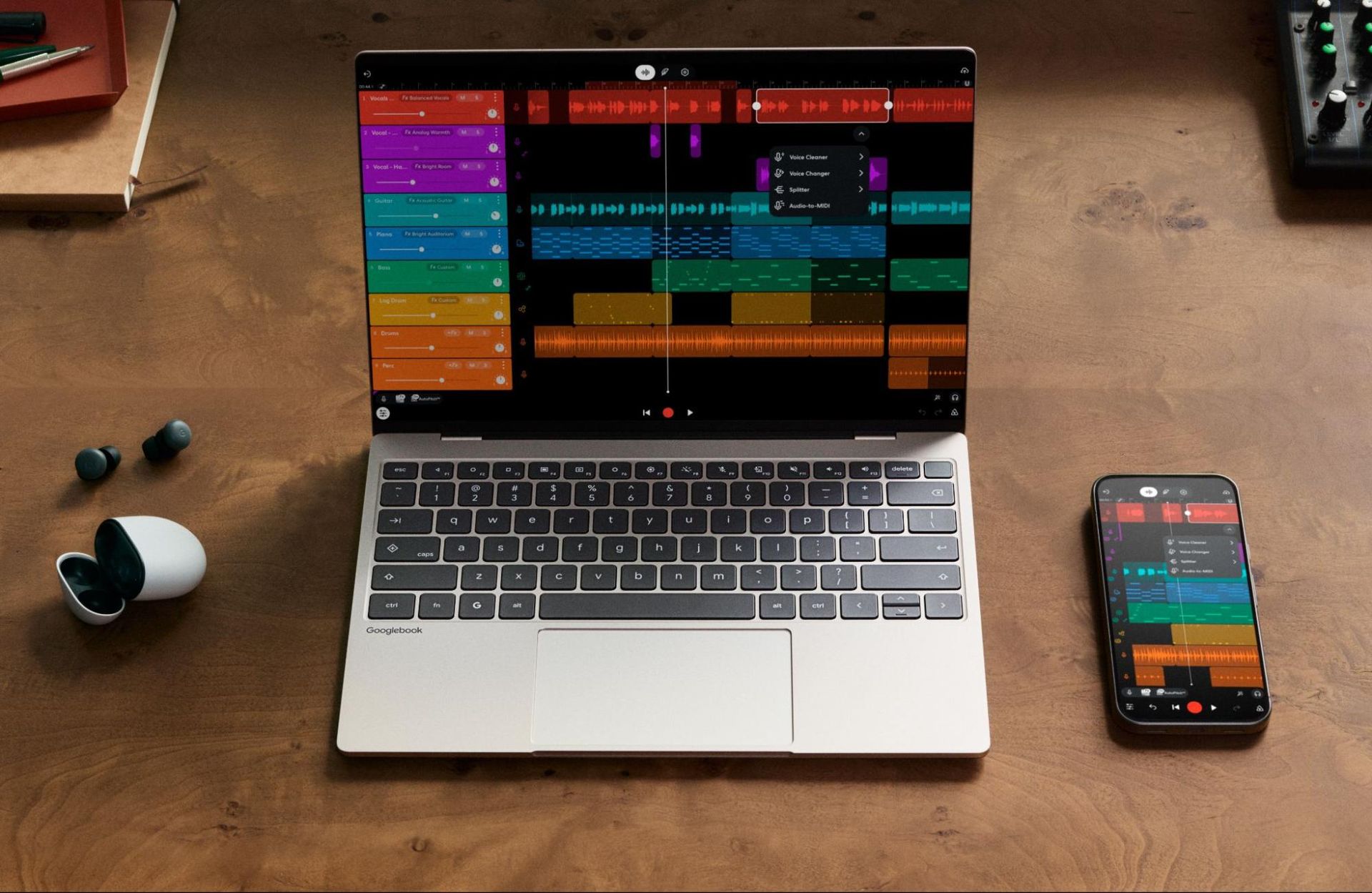
The hardware is the least new part. Tom's Hardware reports that the HP Googlebook 14 resembles the HP OmniBook Ultra, the Dell XPS Googlebook is effectively this year's XPS 13, and the Asus Googlebook 14 is a dead ringer for the ExpertBook Ultra [13]. Cases use aluminum, magnesium and carbon fiber rather than plastic, screens are high resolution with several 2880 x 1800 OLED panels, and most of the lineup has haptic touchpads [14]. Every model is a clamshell except Acer's 2-in-1 [19].
Each machine also carries a Glowbar, a row of RGB lights on the lid that glows at startup, shows battery charge and can react when you talk to Gemini, and Google says it will open an API for developers [11]. The bar sits behind the screen. Tom's Hardware wrote that we will see how much use it gets [12]. An RGB strip facing away from the person typing, with an SDK.
The keyboard brings back the caps lock key, which doubles as a Quick Insert key, and adds a G key that brings up the launcher [17].
What to watch
- Whether MediaTek silicon lands in a second wave, adding a third hardware target for native code.
- Whether the desktop-mode list grows past the five apps Google named at launch.
- Whether the Glowbar API ships with documented capabilities beyond startup, charge state and Gemini.